
1. Clarify the service model
We map customers, assets, service categories, technicians, report templates, agreements, spare parts and ERP ownership before configuration starts.
Service flowRoles and permissionsData ownership
Implementation
Sepolo is introduced in focused steps: service flow, roles, reports and dispatch first, then assets, spare parts, ERP integration, SLA and management reporting.
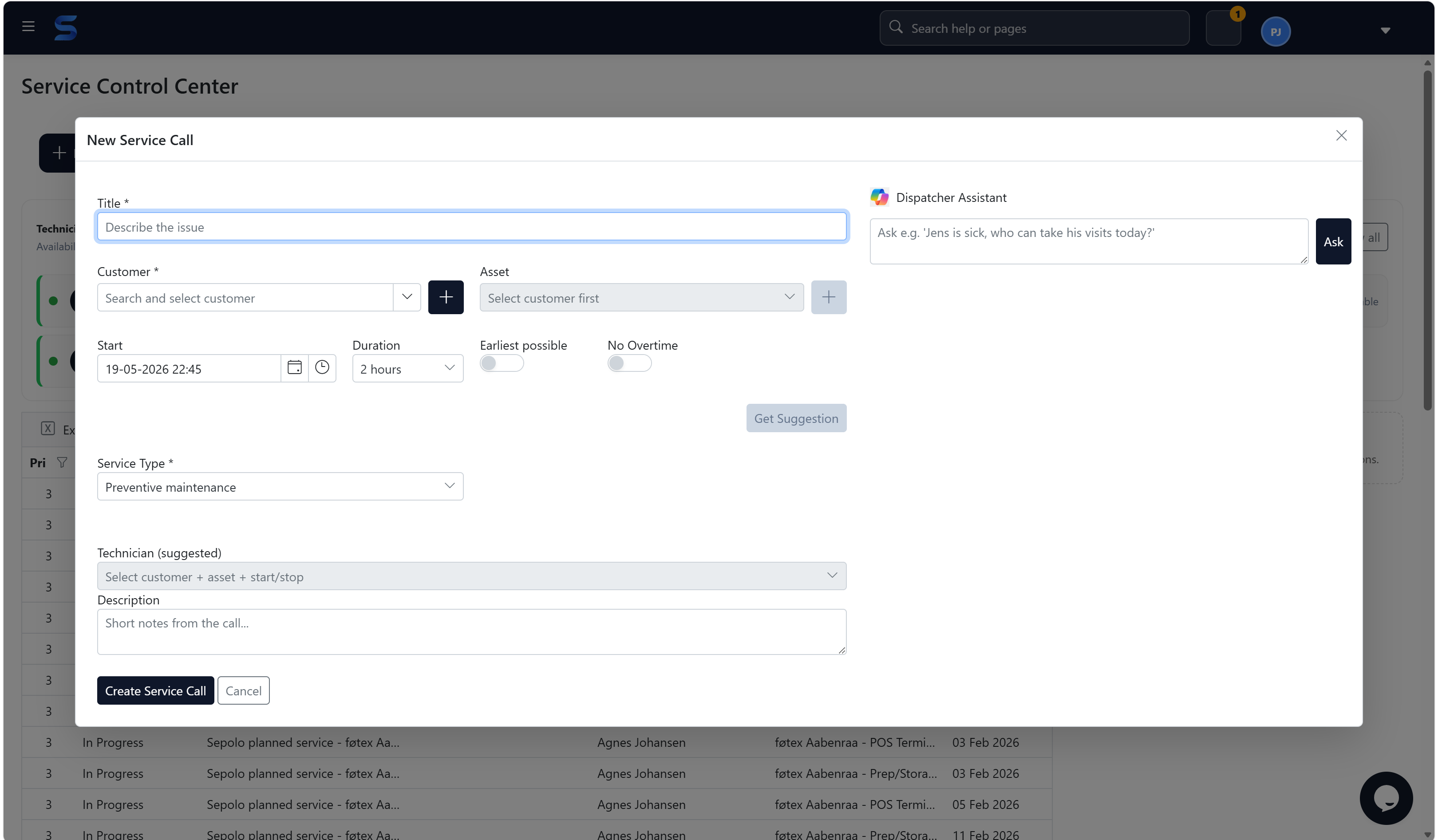
The goal is to make implementation predictable. We clarify the service model, configure the first workflows, test with real data and make sure dispatch, technicians and finance all know what their part of the process looks like.
Field service platform
We map customers, assets, service categories, technicians, report templates, agreements, spare parts and ERP ownership before configuration starts.
Sepolo is configured around the work your team actually performs, including service calls, visit statuses, report fields, technician groups and invoice foundation.
What you get
Dispatchers, technicians and finance test real service visits before go-live, so the process is adjusted before the whole team depends on it.
After go-live we tune dashboards, agreements, SLA rules, stock logic and reporting based on the first operational experience.
Next step
We start from your service flow, assets, technicians, ERP and the places where time is lost today.
Book a walkthrough